A kiosk that works while your team sells

Turn service drive wait time into qualified leads

A premium digital touchscreen kiosk sits in your waiting area and turns customers who are already there into leads — each one routed to the right person the moment it's submitted.

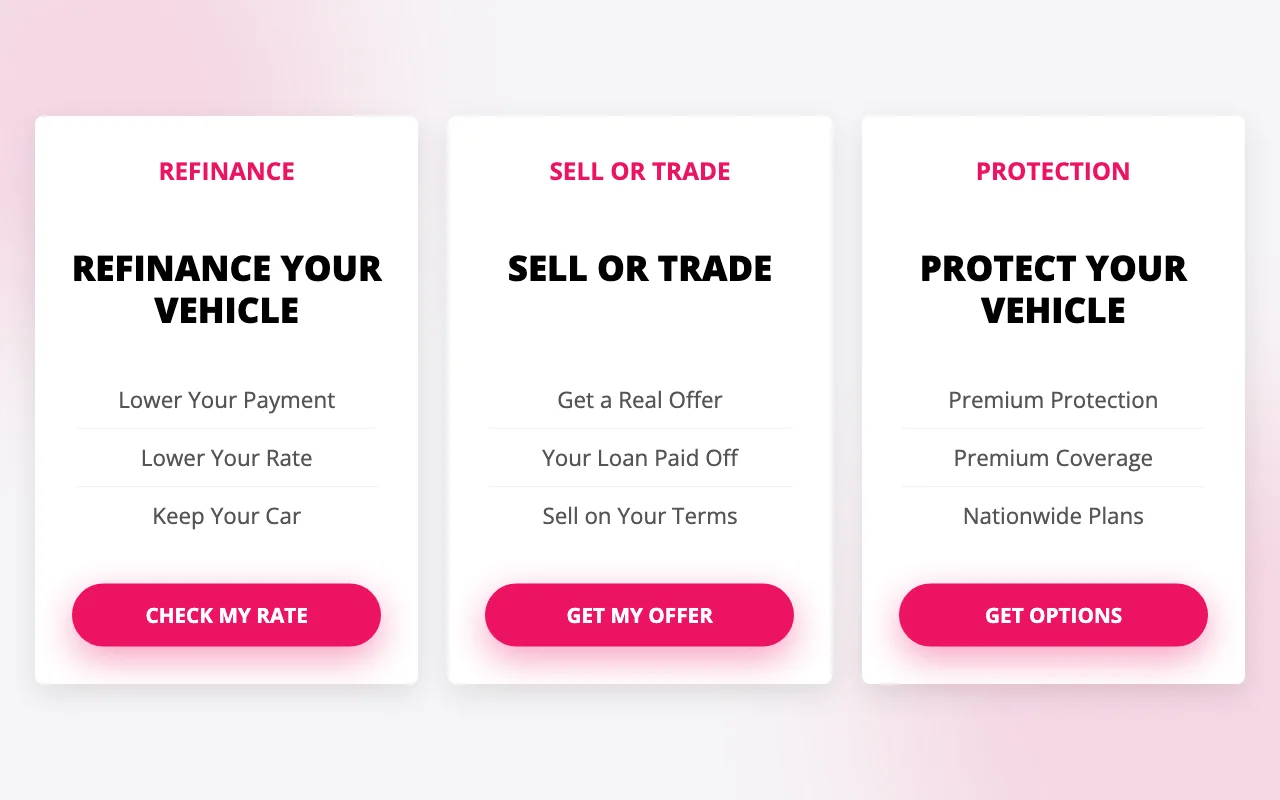
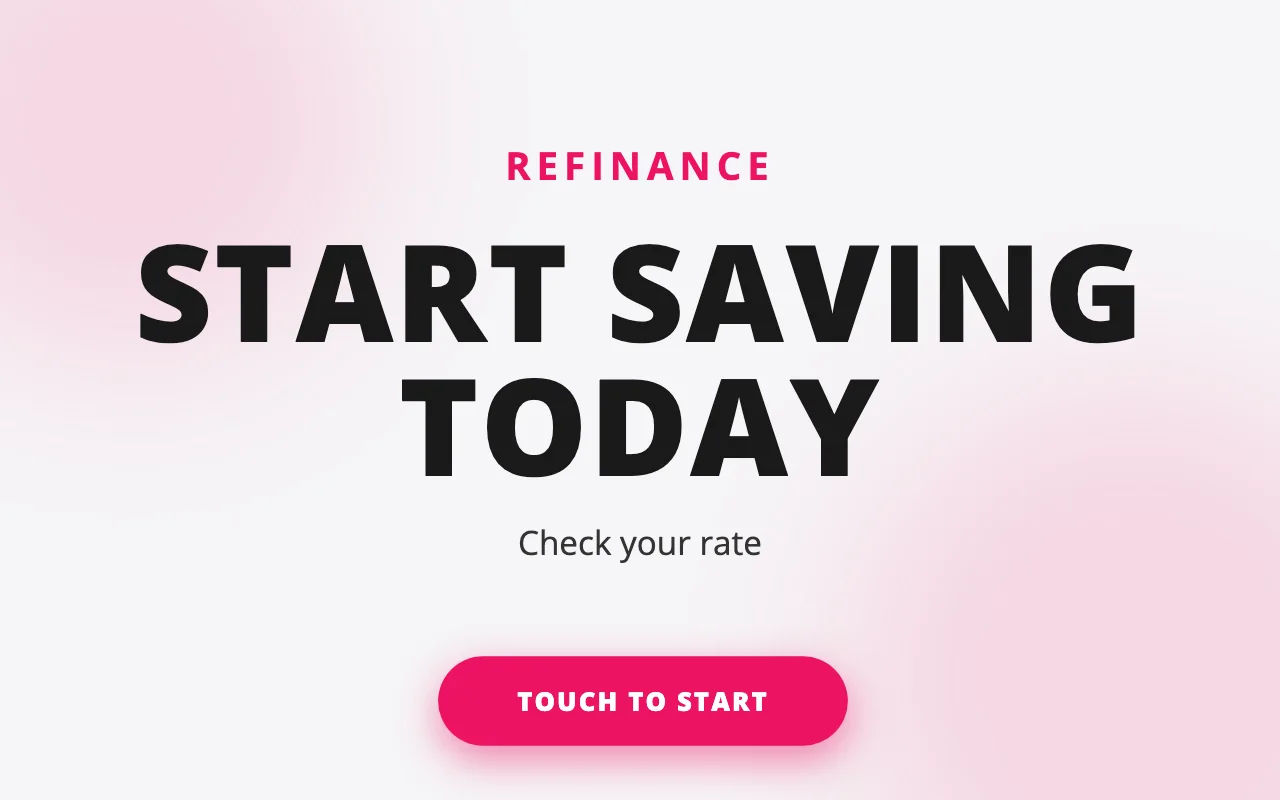
Refinance
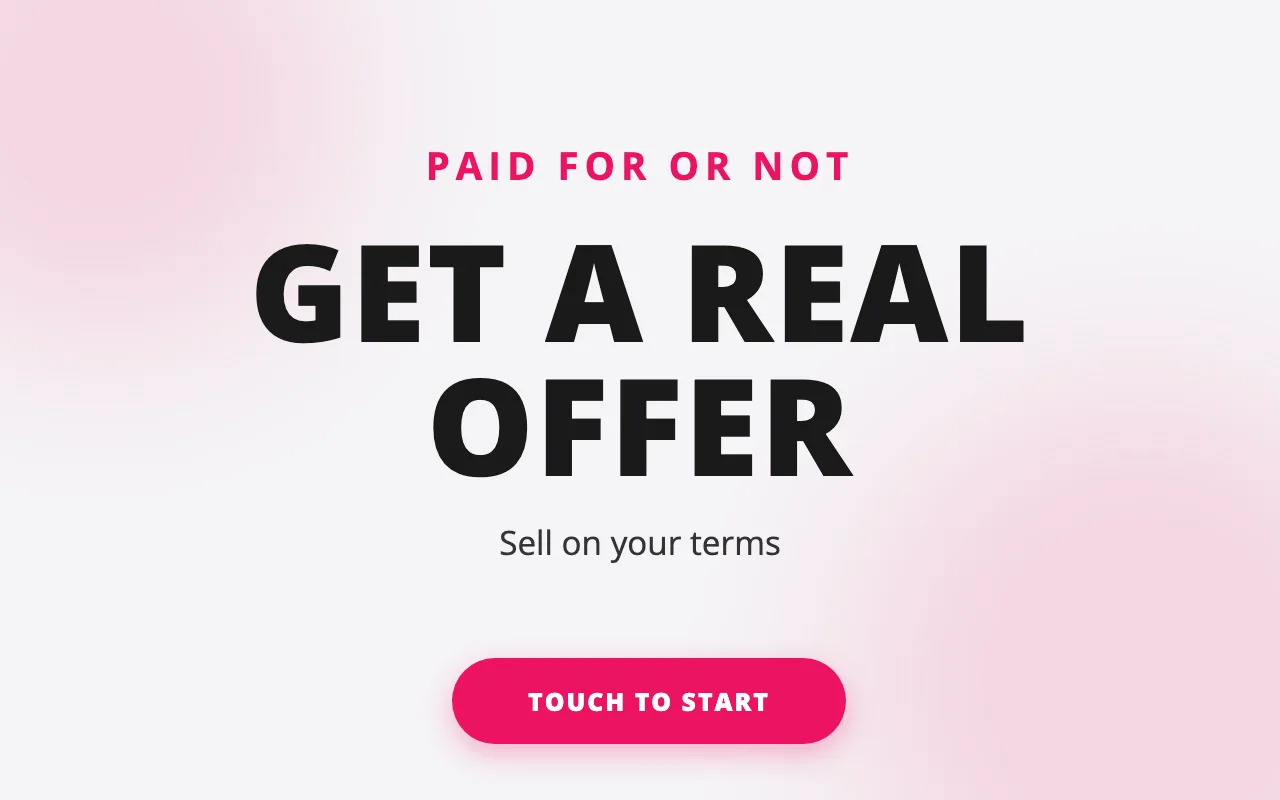
Sell or Trade
Protection
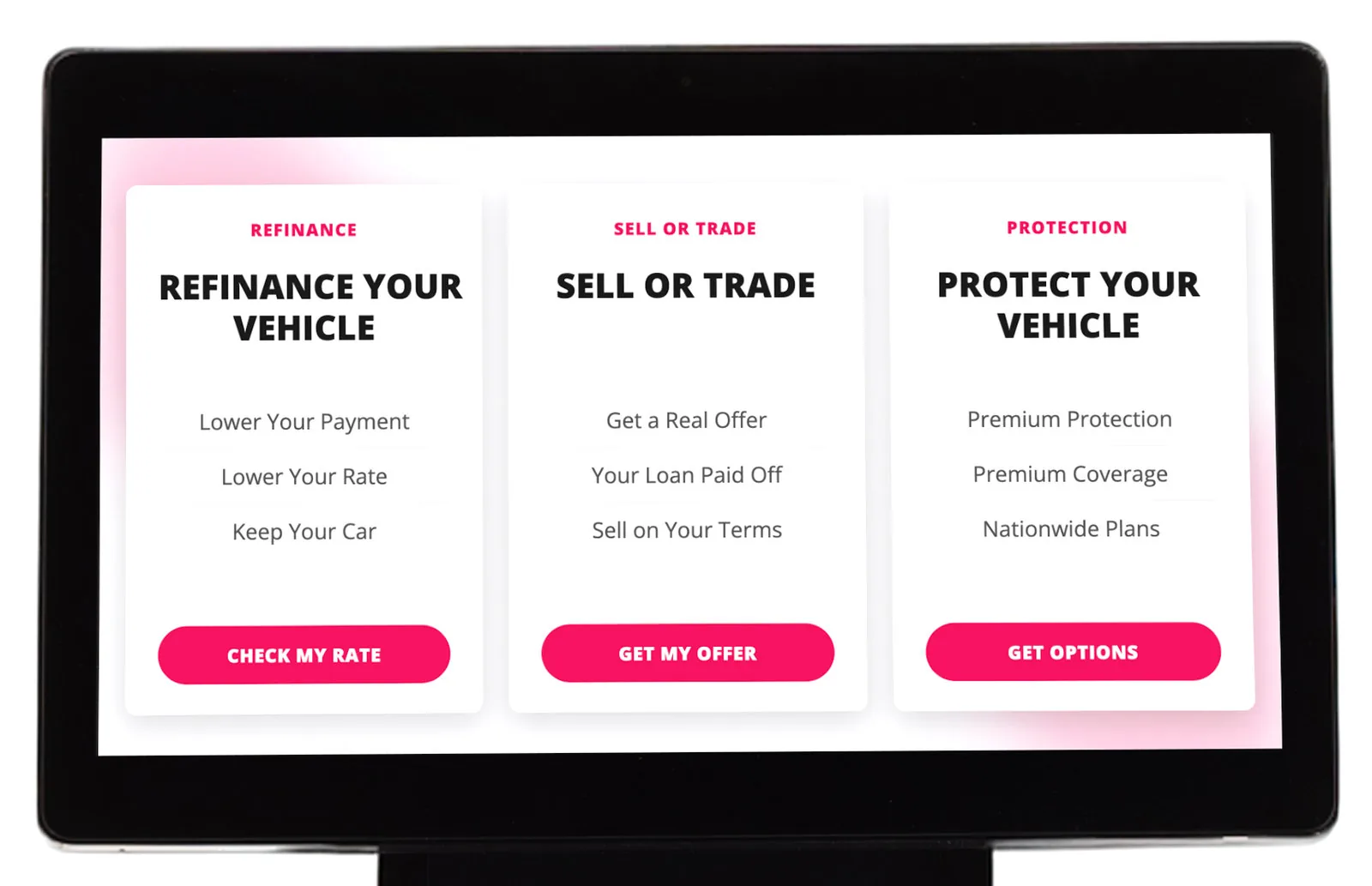
Both colourways side by side: cobalt blue on the left, magenta on the right. The Service Drive Leads kiosk in magenta: a floor-standing black pillar with a widescreen display offering refinance, sell or trade, and protection, and a scannable code on the column below.

About 4 ft tall and 15 in wide, with a 15.6 in touchscreen.
Two colourways

Your service drive is full of buyers

A digital touchscreen kiosk, plus a QR code customers can scan to fill it out on their phone.

The kiosk in both colourways side by side: cobalt blue on the left, magenta on the right.
  • 4 ftTall
  • 15 inWide
  • 15.6 inTouchscreen
  • Commercial GradeHardware
  • American MadeSoftware
  • American EngineeredKiosks
  • Service Drive Acquisition
    A Smarter Way To Source Inventory
  • Increase Service Contract Penetration
  • Time To Engage
    They’re Waiting On Their Car
  • Higher Quality Leads
    Better Than Anything You Can Buy
The real kiosk, recorded

See it in action

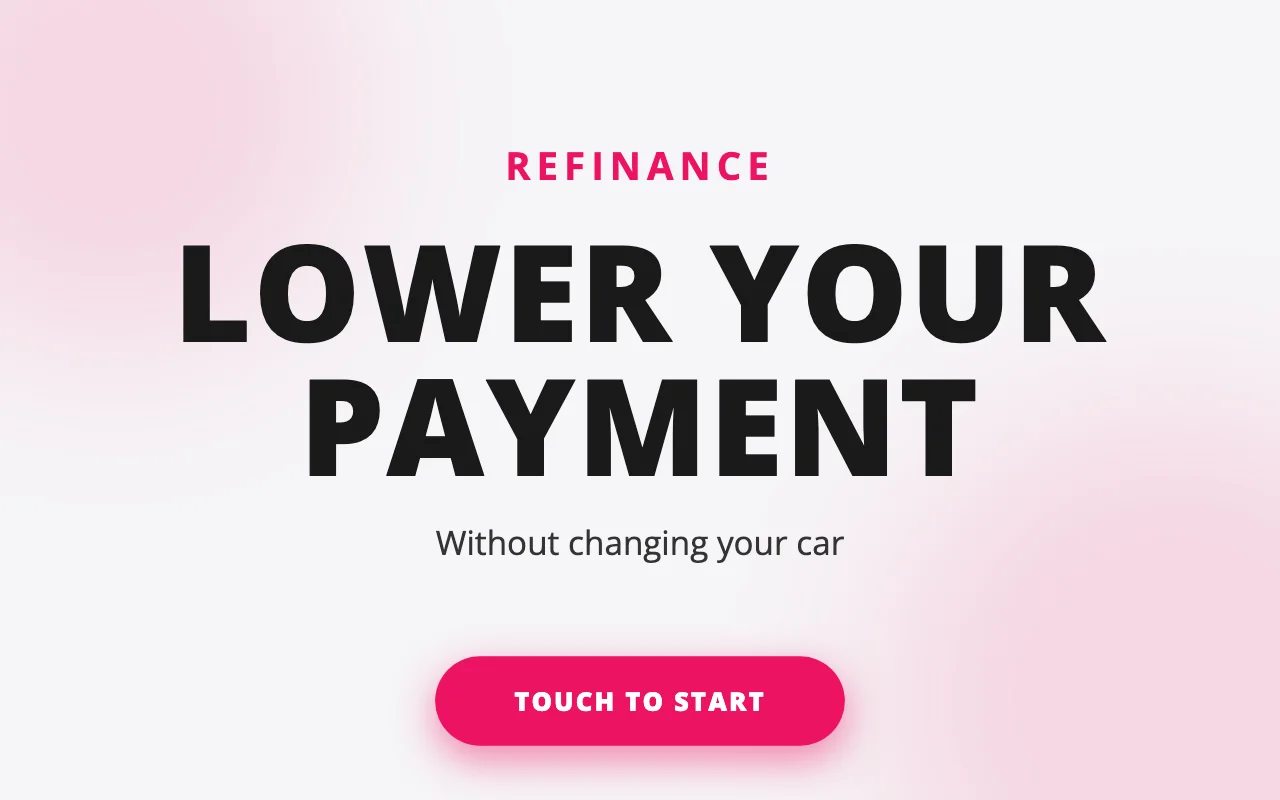
Three offers, one tap, and a customer's details on the way to your team.

Three high-intent offers

The leads we capture

Each offer is a distinct, high-intent lead — captured at the kiosk and tracked all the way to your inbox and dashboard.

The banner on the kiosk stand, reading Use Kiosk or Scan Me above a QR code.
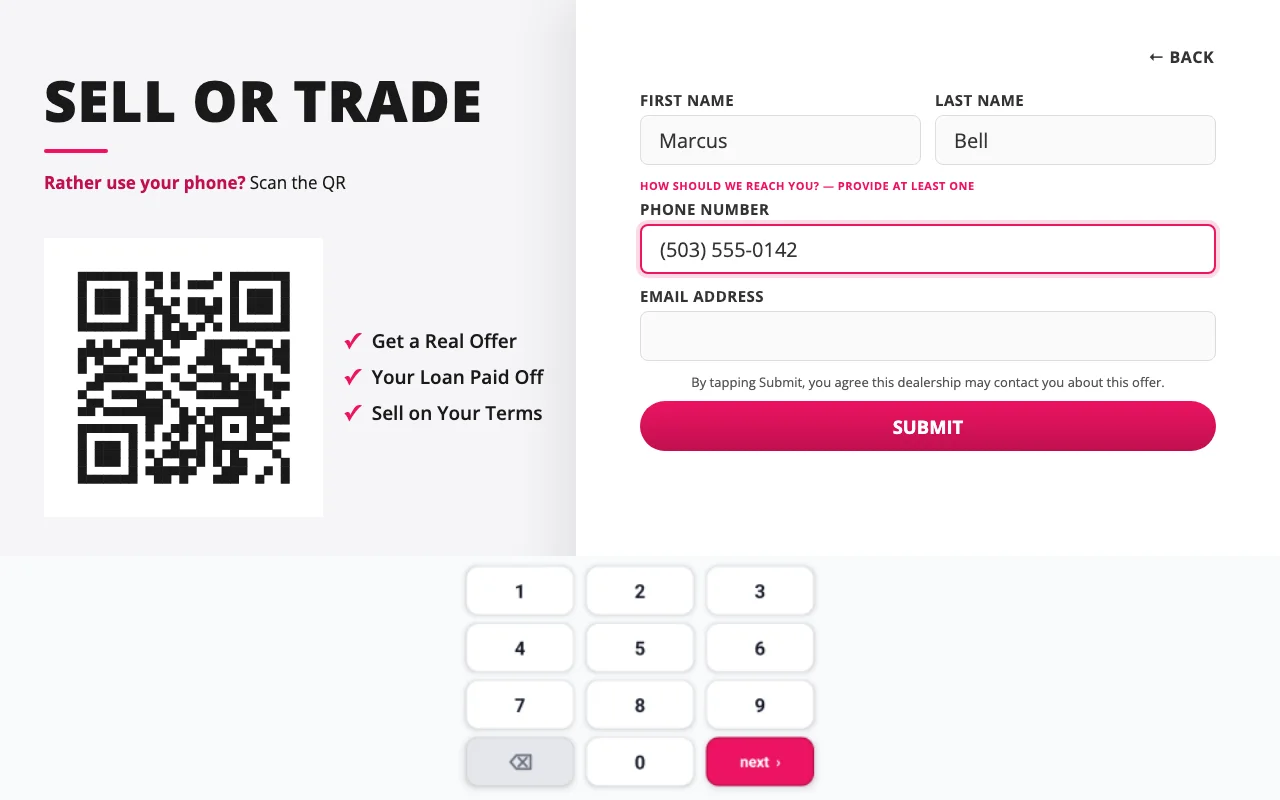
The kiosk's Sell or Trade form, with a QR code under the line Rather use your phone? Scan the QR.
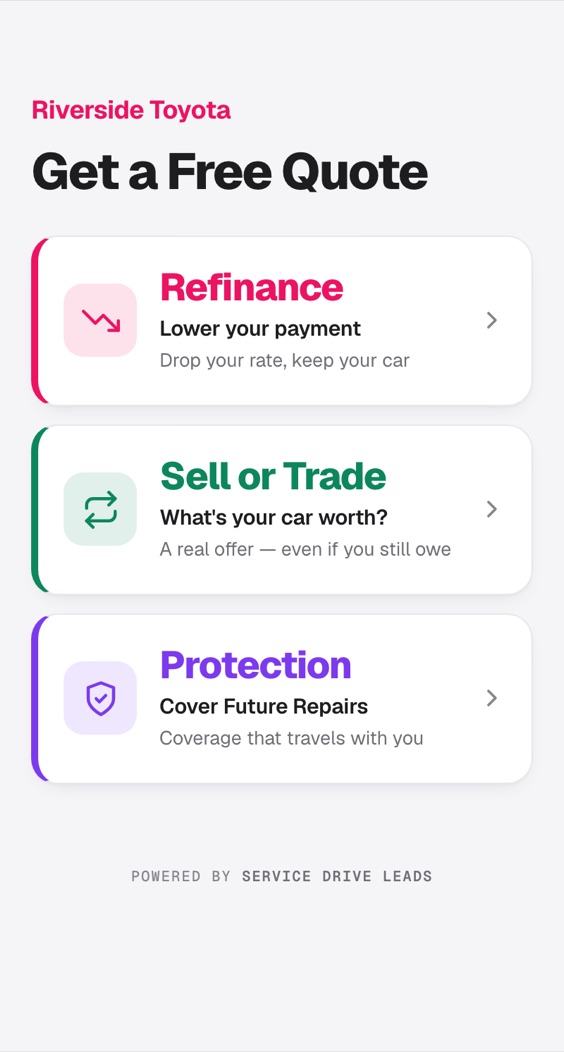
The mobile form on a phone: the dealership's name above three offers — refinance, sell or trade, and protection.
Mobile QR

Kiosk or Phone, their choice

Your QR code opens the same three offers on a customer's own phone, so anyone who'd rather not stand at a screen can fill it out from their seat. The lead reaches your team the same way.

  • On the kiosk stand

    The banner under the screen reads "Use Kiosk or Scan Me", so customers know they have a choice before they walk up.

  • On every kiosk form

    Each offer shows its own code, and scanning it opens that same offer on the phone. If the tablet loses its connection, the code takes the form's place.

  • On anything you print

    Download your code from your portal and add it to posters, counter signs or mailers.

Follow the lead

From a tap to the right inbox

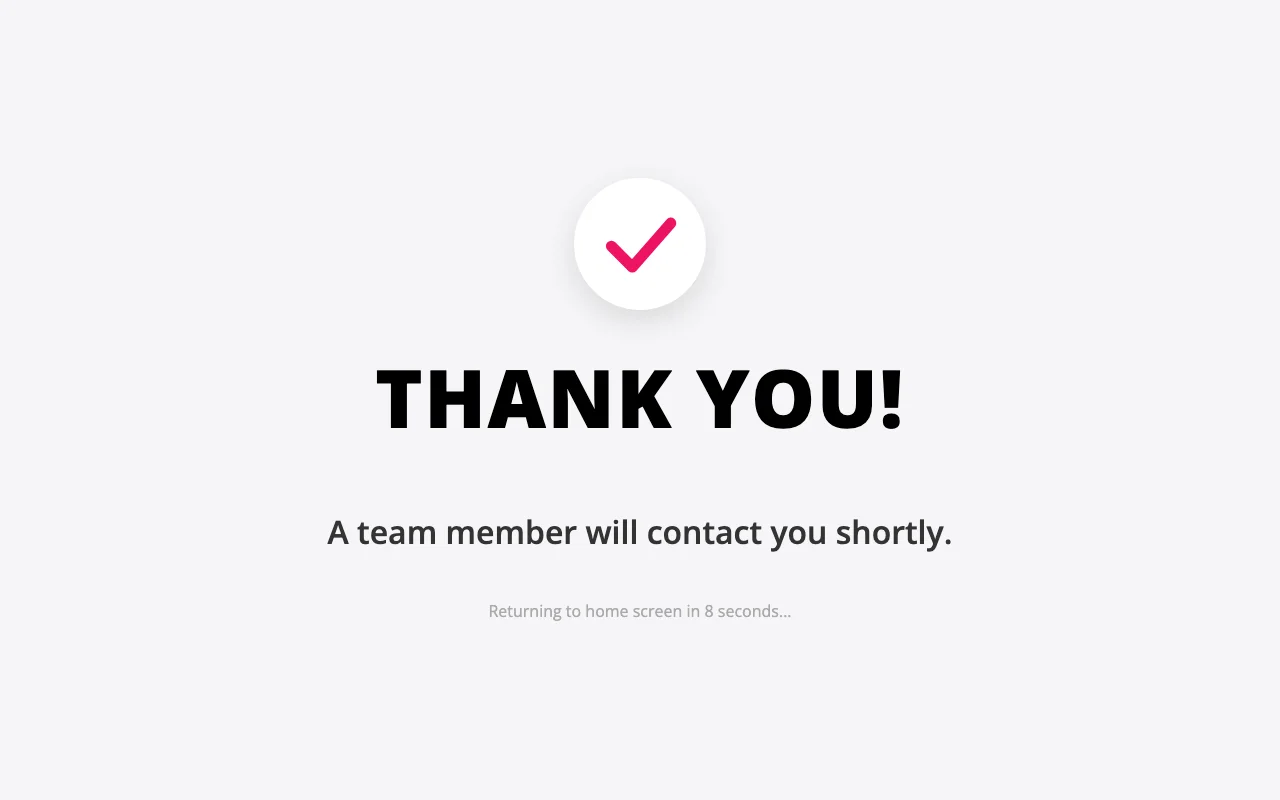
A customer picks refinance, sell or trade, or protection. It lands in your Lead Portal and emails the right person the moment it's submitted.

Refinance Sell / Trade Protection Use Kiosk or Scan Me Refinance Lower your rate Sell or Trade See what it's worth Protection Cover future repairs SERVICE DRIVE LEADS REFINANCE LOWER YOUR PAYMENT SELL OR TRADE WE WANT YOUR CAR OUT OF WARRANTY? PROTECT YOUR VEHICLE Kiosk Centralized Nerve Center ViewTrackAdd Team to Mailing List Lead Portal Emailed instantly Sales manager Used-Car manager Finance manager
  • 01

    Place the kiosk

  • 02

    Customer taps an offer

  • 03

    The right person is alerted

The same color follows each lead — from the kiosk, into your Lead Portal, to the inbox that closes it.

For your team

One dashboard for every lead

Every dealership gets a web portal where your team works leads as they land, sees the counts that matter, and picks who's alerted for each offer.

Live lead inbox

Every submission lands in seconds, color-coded by offer.

You pick recipients

Add or remove who's alerted per offer in a couple of clicks.

Instant routing

Each offer emails the right inbox the moment it's submitted.

Status at a glance

New, in progress, won, lost — track each lead to the close.

Leads
Today This week This month
7
Today
31
This week
124
This month
Refinance Michael Torres New 2m
Protection Jennifer Kim In progress 18m
Sell or Trade Robert Davis Won 1h
Refinance Amanda Wright Lost 2h
Get in touch

Let's put one in your service drive

Tell us about your dealership and we'll reach out to set up a walkthrough. Prefer email? Reach us at contact@servicedriveleads.com

Please enter your name.
Please enter a valid email address.
Please enter your phone number.
Please enter your dealership name.
Please select your business type.

You're all set.

Thanks for reaching out — we'll be in touch within one business day.